How to Customize Dashboard Layout for Mobile Devices
Last updated: March 21, 2025
When creating dashboards, you can optimize how they appear on mobile devices separately from the desktop view. This is especially useful for dashboards with multiple panels or charts that may become difficult to read on smaller screens.
Accessing Mobile Layout Editor
While in the dashboard editor, locate the mobile view toggle in the top toolbar:
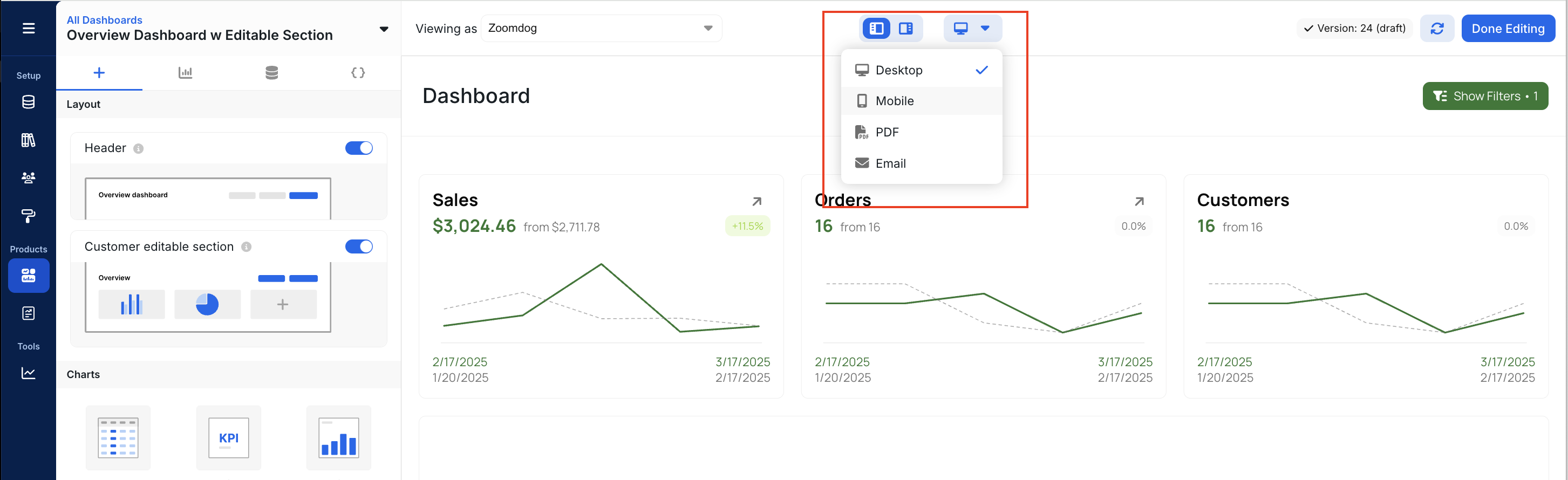
Click the mobile device icon (highlighted in blue) to switch to mobile layout mode. In this view, you can:
Rearrange panels specifically for mobile display
Resize elements for better mobile viewing
Adjust the layout without affecting the desktop view
Changes made in mobile view will only affect how the dashboard appears on mobile devices, preserving your original desktop layout.
Explo is very mobile friendly! All the chart interactions and exports are available on mobile view.